Types of Animated Charts (With Examples)
Static charts tell you what happened. Animated charts show you how it happened—the rises, falls, and turning points that make data come alive. Whether you call them animated charts, chart animations, or animated graphs, these dynamic visualizations have become essential tools for data storytelling.
From viral bar chart races showing the rise and fall of tech companies to Hans Rosling’s legendary bubble charts that changed how we see global health data, animation transforms numbers into narratives. In this guide, we’ll explore the major types of animated charts, when to use each one, and show you real examples you can learn from.
(At Significant Figures, we’re building tools to make creating these kinds of animated data visualizations accessible to everyone—without requiring coding or motion design skills.)
1. Bar Chart Race
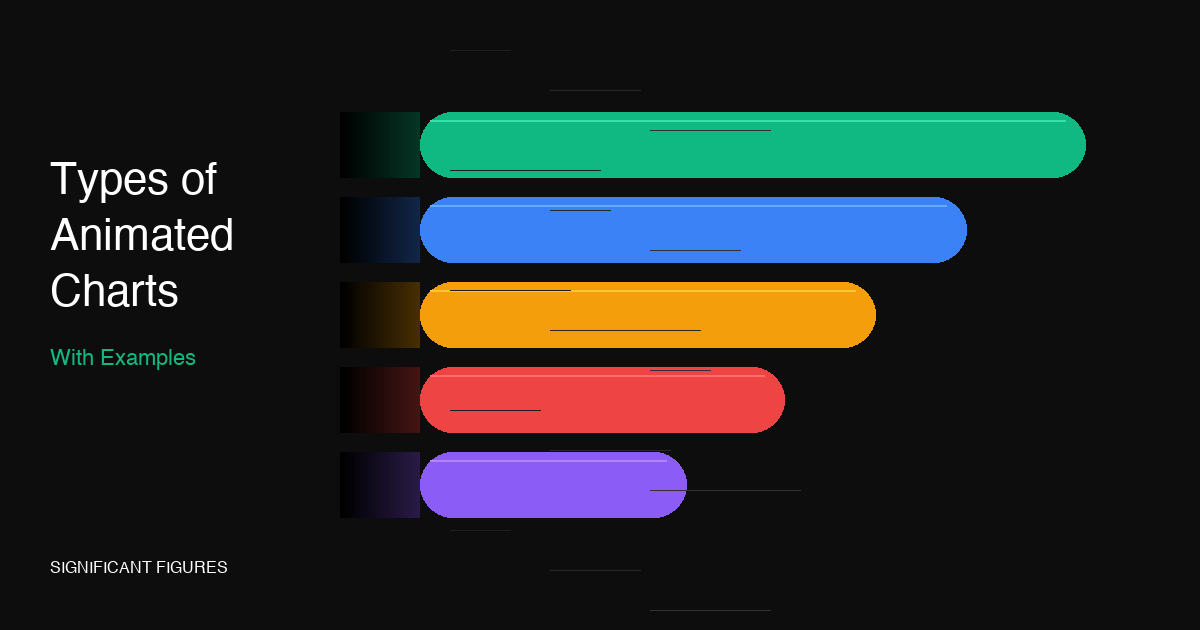
The bar chart race is perhaps the most viral form of animated chart. You’ve probably seen one on social media—bars racing against each other as they show changes in rankings over time. Whether it’s the most popular programming languages, top-grossing movies, or country GDPs, bar chart races make temporal changes instantly engaging.
What makes bar chart races so compelling is their competitive energy. Viewers naturally root for certain bars, creating emotional investment in what would otherwise be dry ranking data. The animation reveals the journey—how Python gradually overtook JavaScript, or how China’s economy climbed the global rankings.
When to use a bar chart race:
- Showing rankings that change over time (top 10 lists, leaderboards)
- Comparing growth rates between competitors
- Creating shareable social media content
- Making historical trends feel immediate and dramatic
Tools that create bar chart races: Flourish (free, no-code), D3.js (custom coding), After Effects (manual animation), Tableau (with extensions)
2. Motion Chart (Gapminder-Style Bubble Chart)
The motion chart was popularized by Hans Rosling and his Gapminder foundation. These animated scatter plots show bubbles (representing countries, companies, or other entities) moving across a two-dimensional space over time, with bubble size representing a third variable like population.
Rosling’s “200 Countries, 200 Years, 4 Minutes” video became one of the most influential data visualizations ever created. By animating the relationship between life expectancy and income over two centuries, he demolished myths about “developing” vs “developed” worlds and showed global progress in a way no table or static chart could.
Motion charts excel at revealing correlations and trajectories. You can see clusters form and break apart, watch outliers emerge, and track individual entities through complex multi-dimensional changes.
When to use a motion chart:
- Showing how relationships between variables evolve over time
- Tracking multiple entities through multi-dimensional space
- Revealing patterns in complex datasets with 3+ variables
- Educational contexts explaining global trends
Tools that create motion charts: Gapminder Tools (free), Flourish, Google Charts, D3.js, Plotly
3. Animated Line Chart (Line Chart Race)
Animated line charts bring time-series data to life by drawing lines progressively or racing multiple series against each other. Unlike static line charts that show the entire history at once, animated versions reveal the story sequentially—building suspense and helping viewers follow complex multi-line comparisons.
The “line chart race” variant keeps dots representing competitors in the center while axes animate in the background—perfect for sports standings, stock comparisons, or any ranking that shifts over a season or period. The progressive reveal creates natural pacing for presentations and videos.
When to use animated line charts:
- Narrating time-series data in presentations or videos
- Comparing performance of multiple entities over seasons/periods
- Drawing attention to specific turning points or inflections
- Building suspense around outcomes (sports, elections, markets)
Tools that create animated line charts: Flourish, D3.js, Chart.js (with animation plugins), After Effects, Remotion
4. Animated Scatter Plot
While motion charts (above) are a specific type of animated scatter plot, simpler versions also have their place. An animated scatter plot can show points appearing, clustering, or transitioning between states—useful for showing distributions, correlations, or segmentation changes.
For example, you might animate customer segments forming as new data points appear, or show how survey responses cluster around different options. The animation helps viewers understand the emergence of patterns rather than just seeing the final result.
When to use animated scatter plots:
- Revealing how clusters or patterns emerge in data
- Showing transitions between different states or time periods
- Making loading/progressive reveals more engaging
- Simpler use cases where full motion chart complexity isn’t needed
Tools that create animated scatter plots: D3.js, Plotly, Flourish, Observable, Chart.js
5. Animated Map / Choropleth
Animated maps show geographic data changing over time—from disease spread to election results to population migrations. The spatial dimension combined with temporal animation creates powerful narratives that feel intuitive and visceral.
Animated choropleths (where regions are colored by intensity) became ubiquitous during the COVID-19 pandemic, showing case counts rippling across countries and continents. The combination of familiar geography with time-based changes makes these visualizations immediately accessible to general audiences.
When to use animated maps:
- Showing spread, diffusion, or migration patterns
- Election results changing as votes come in
- Historical territorial changes
- Regional comparisons that change over time (economics, health, demographics)
Tools that create animated maps: Flourish, Mapbox, D3.js with GeoJSON, Kepler.gl, QGIS (with temporal controller)
6. Animated Pie/Donut Chart
While data visualization purists often critique pie charts, animated versions can be effective for showing composition changes over time or creating engaging loading/reveal states. A donut chart morphing from one distribution to another immediately shows how proportions shifted.
The key is using animation purposefully—not just spinning segments for visual flair, but revealing how market share, budget allocations, or demographic breakdowns actually changed. Animation justifies the pie chart format by making transitions between states the focus.
When to use animated pie/donut charts:
- Showing composition changes over time (market share shifts)
- Loading states and reveal animations for dashboards
- Before/after comparisons of proportional data
- Social media content where visual impact matters
Tools that create animated pie/donut charts: Flourish, Chart.js, D3.js, After Effects, Jitter, Lottie
7. Animated Sankey / Flow Diagram
Sankey diagrams show flows between nodes—energy sources to consumers, budget categories to expenditures, user journeys through a funnel. When animated, the flows themselves move, making the transfer of values tangible and intuitive.
Animated Sankeys can show particles flowing through pipes, making abstract transfers feel physical. They’re especially powerful for showing how inputs distribute to outputs, or how values split and merge through complex systems.
When to use animated Sankey diagrams:
- Showing energy, money, or user flows through systems
- Visualizing funnel conversions with drop-off points
- Explaining complex transfer or distribution processes
- Making abstract flows feel concrete and physical
Tools that create animated Sankey diagrams: Flourish, D3.js (d3-sankey), SankeyMATIC, Google Charts
When to Use Animated vs Static Charts
Animation isn’t always the right choice. Here’s a decision framework:
Choose animated charts when:
- Time is a key dimension — If your data has a temporal element that tells a story, animation makes that story unfold naturally
- You’re presenting or creating video content — Animation provides pacing and keeps attention
- You want emotional engagement — Animation creates investment in outcomes
- The transition matters as much as the endpoints — Showing how things changed, not just what changed
- You’re targeting social media — Animated content dramatically outperforms static images
Choose static charts when:
- Precision matters — Readers need to extract exact values
- Print or PDF output — Animation won’t survive the medium
- Self-paced exploration — Dashboards where users control the view
- Simple comparisons — When the story is obvious without animation
- Accessibility is critical — Some users have motion sensitivity or use screen readers
The best approach often combines both: an animated version for presentations and social, with a static version for reports and reference.
Conclusion
Animated charts transform data from something you read into something you experience. Bar chart races make rankings feel like competitions. Motion charts reveal hidden patterns across decades. Animated maps show change rippling across geography. Each type has its place in the data storyteller’s toolkit.
The challenge has always been that creating these visualizations required either expensive software, coding skills, or hiring motion designers. That’s changing. Tools like Flourish have made basic animated charts accessible, and new solutions are making even more sophisticated animations possible without code.
At Significant Figures, we’re working on making animated data visualization even more accessible—so anyone with a story to tell can bring their data to life. If you’re interested in creating animated charts without the usual complexity, join our waitlist to be the first to know when we launch.
What’s your favorite type of animated chart? Have a great example we should feature? Let us know in the comments.